Shoes are difficult products to inspect consistently. A single model can combine textiles, foam, rubber, adhesives, stitching, logos, and molded components around a complex three-dimensional shape. Manufacturers must also manage different sizes, colorways, materials, and quality requirements across a growing number of product variants.
This makes footwear quality inspection a strong use case for AI—but also a challenging one to automate properly.
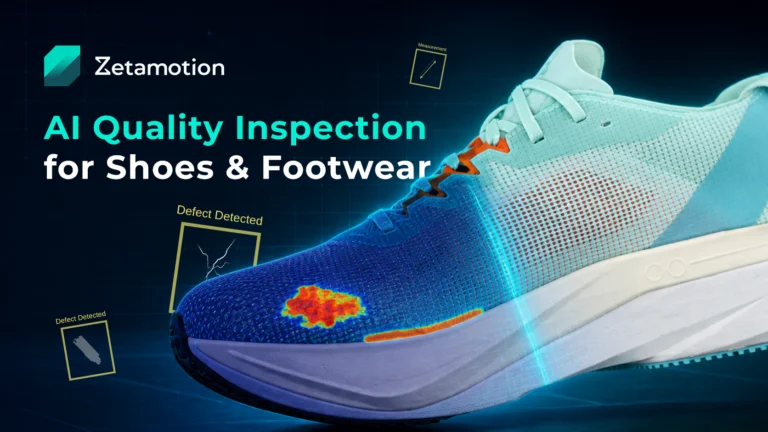
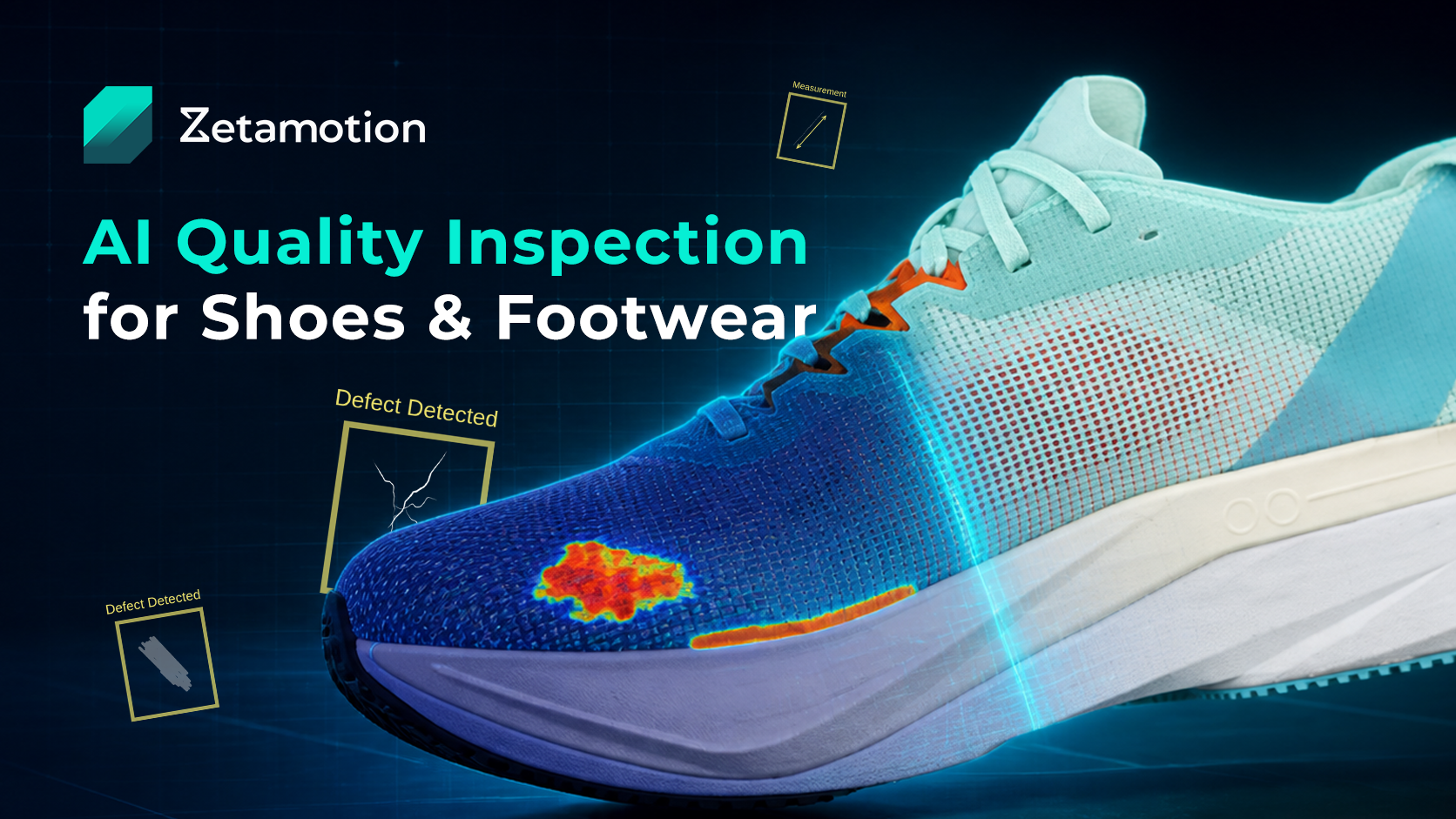
In this demo, Zetamotion shows how a shoe can be inspected from five angles by comparing it against a clean golden reference. The platform calculates anomaly scores, highlights the location of suspected defects, and returns an individual pass or fail result for every inspection view.
The current demonstration focuses on two common footwear defects:
- Bonding gaps between assembled shoe components
- Soiling and visible surface contamination
The workflow is part of the multi-view inspection pipeline Zetamotion is developing for complex footwear products.
Watch the AI shoe inspection demo
Video: Zetamotion’s multi-angle AI shoe inspection workflow, including golden-sample onboarding, anomaly detection, defect localization, and pass/fail results.
Access to the interactive demo is available upon request. It is not publicly open at this stage. If you would like to test the system, please contact us and we can enable access or run the inspection on your own shoe samples.
Why automated footwear inspection is challenging
Footwear inspection is rarely a simple matter of checking whether one feature is present or absent. The system must distinguish genuine defects from normal product variation.
Several factors make this difficult:
- Complex geometry: Parts of the upper, sole, heel, tongue, and interior may not be visible from a single camera angle
- Mixed materials: Textile, leather, rubber, foam, plastic, and adhesive surfaces respond differently to lighting
- Frequent product changes: Each shoe model can have different shapes, colors, patterns, components, and acceptable tolerances
- Subtle assembly defects: Bonding gaps, sole misalignment, glue overflow, and stitching problems can be small or partly obscured
- Cosmetic quality requirements: A mark that is acceptable in one area may cause rejection in a highly visible region
- Acceptable variation: Texture, stitching, material grain, and component placement may vary without making the shoe defective
These challenges are why footwear inspection still depends heavily on experienced human inspectors. The objective of automation is to make repetitive checks more consistent, scalable, and traceable while preserving human judgement for borderline cases.
For a broader overview, visit our guide to automated visual inspection for footwear manufacturers.
How the shoe inspection demo works
The demonstration separates the inspection process into visible steps. This makes it easier to understand what happens behind the scenes before the same workflow is deployed in a factory environment.
In a real deployment, most of these steps are automated once the product has been onboarded into the system and the inspection station is configured.
1. Create the shoe model
The first step is to define a product record for the shoe being inspected.
Each model can have its own inspection configuration, reference images, target defects, thresholds, and pass/fail criteria. This is essential because acceptable appearance varies significantly between shoe models.
2. Establish a golden reference set
A set of five clean, approved images is used to define the expected appearance of the product:
- Top
- Front
- Right
- Rear
- Left
These images form the golden reference set and represent the approved standard for that specific model under controlled imaging conditions (lighting, camera positions, and background).
In a production system, this onboarding step is typically supported and validated as part of deployment, ensuring the reference set is consistent and suitable for automated inspection.
3. Select a shoe for inspection
A second set of images is provided for inspection, showing the shoe under test from the same five angles.
In a factory deployment, these images are captured automatically using an inspection station, inline conveyor system, or dedicated quality-control cell. The manual upload shown in the demo is only for transparency and explanation of the workflow.
4. Compare each view against the golden sample
Each inspection view is processed independently and compared against the corresponding golden-reference image.
For every view, the system returns:
- A defect or no-defect decision
- An anomaly score
- A visual overlay highlighting the suspected defect region
- A per-view pass/fail result
These outputs are then combined according to configured rules to determine the final product-level decision.
Defect thresholds, severity rules, and acceptance criteria are defined per product and can be customized during onboarding.
5. Review the localized defect evidence
The system provides visual explanations for every detected issue.
This allows quality teams to:
- Validate whether a detection is correct
- Understand the exact location of the issue
- Differentiate between contamination and assembly defects
- Review borderline cases consistently
- Maintain traceability of inspection decisions
This explainability is a key part of deploying AI inspection in regulated or high-quality manufacturing environments.
Detecting bonding gaps and soiling defects
The current demo focuses on two representative defect types:
Bonding-gap detection
Bonding gaps occur when components such as the upper and sole are not properly joined.
These defects can be subtle and angle-dependent, making multi-view inspection particularly effective. The system highlights inconsistencies at the interface between materials and flags deviations from the expected reference structure.
Soiling and surface-contamination detection
Soiling includes stains, marks, contamination, and discoloration that should not be present on a finished product.
The system must distinguish true defects from normal material texture, shadows, stitching, and design elements. This is why model-specific references and controlled imaging conditions are essential.
In a full deployment, additional defect categories can be onboarded, including stitching issues, glue overflow, deformation, scuffs, sole misalignment, and more.
Why five inspection angles matter
A single image is rarely sufficient to fully evaluate footwear quality.
The five-view setup ensures coverage of the main product surfaces while keeping the inspection process structured and repeatable. It also simplifies review, since each query image is directly comparable to a corresponding reference view.
The optimal number of views depends on:
- Shoe geometry and complexity
- Target defect size and type
- Critical inspection zones
- Throughput requirements
- Line layout and available space
- Whether rotation or multi-camera setups are used
- Whether additional sensing (e.g., 3D) is required
Camera configuration is always defined as part of the overall inspection design, not in isolation.
From browser demonstration to production inspection
The demo intentionally includes manual steps to make the workflow understandable. In a production environment, these steps are fully automated.
Zetamotion provides a full turnkey solution for footwear inspection, which can include:
- Inspection station design (standalone or inline)
- Line integration with existing production systems if required
- Camera, lighting, and hardware configuration support
- Product onboarding and golden-sample setup
- Definition and customization of defect catalogues
- Configuration of defect thresholds and acceptance rules
- Custom reporting and traceability dashboards
- Operator workflows and review interfaces
- Edge or on-premise deployment options
- Hypercare subscription for ongoing support and optimization
Once deployed, the system automatically handles image capture, product matching, inspection execution, and result reporting. The manual steps shown in the demo are primarily for illustrating how the system operates conceptually.
Learn more about the wider principles in our automated visual inspection guide for manufacturing.
Test the platform with your own shoe models
Footwear manufacturers and quality teams can evaluate the system using their own products and inspection requirements.
To run a meaningful assessment, we typically work with:
- Shoe models and variants to be inspected
- Five or more clean reference images per model
- Examples of known defects (if available)
- Definition of acceptable vs. unacceptable quality
- Minimum detectable defect size
- Critical inspection zones
- Current inspection time and throughput targets
- Preferred deployment setup (standalone or inline)
We then help structure the product onboarding, define defect categories, and determine the imaging and station requirements needed for a production-ready system.
Access to the demo and testing environment is provided upon request. It is not publicly available.
Commonly asked questions
Depending on the product, imaging setup, and inspection rules, AI visual inspection can be configured to detect bonding defects, stitching irregularities, soiling, scuffs, discoloration, sole misalignment, deformation, and other visible quality issues. Each use case requires validation against the manufacturer’s standards. We help determine the correct hardware configuration and set it up for you to capture the defects you need to detect.
In most cases, yes. Differences in shape, materials, design, and tolerances typically require model-specific reference data. Shared configurations may be possible for closely related variants, but this is determined during onboarding and testing.
Yes. Zetamotion systems are designed for production integration, including inline conveyor setups and standalone inspection stations. Final architecture depends on throughput, space, and process requirements.
See if AI inspection fits your footwear line
If you would like to evaluate your own shoe models, please contact us with your product details and inspection requirements.
We will help you assess feasibility, onboard your samples, define defect criteria, and determine what is required to move from a demonstration to a fully deployed inspection system.